
| rigelsys | |
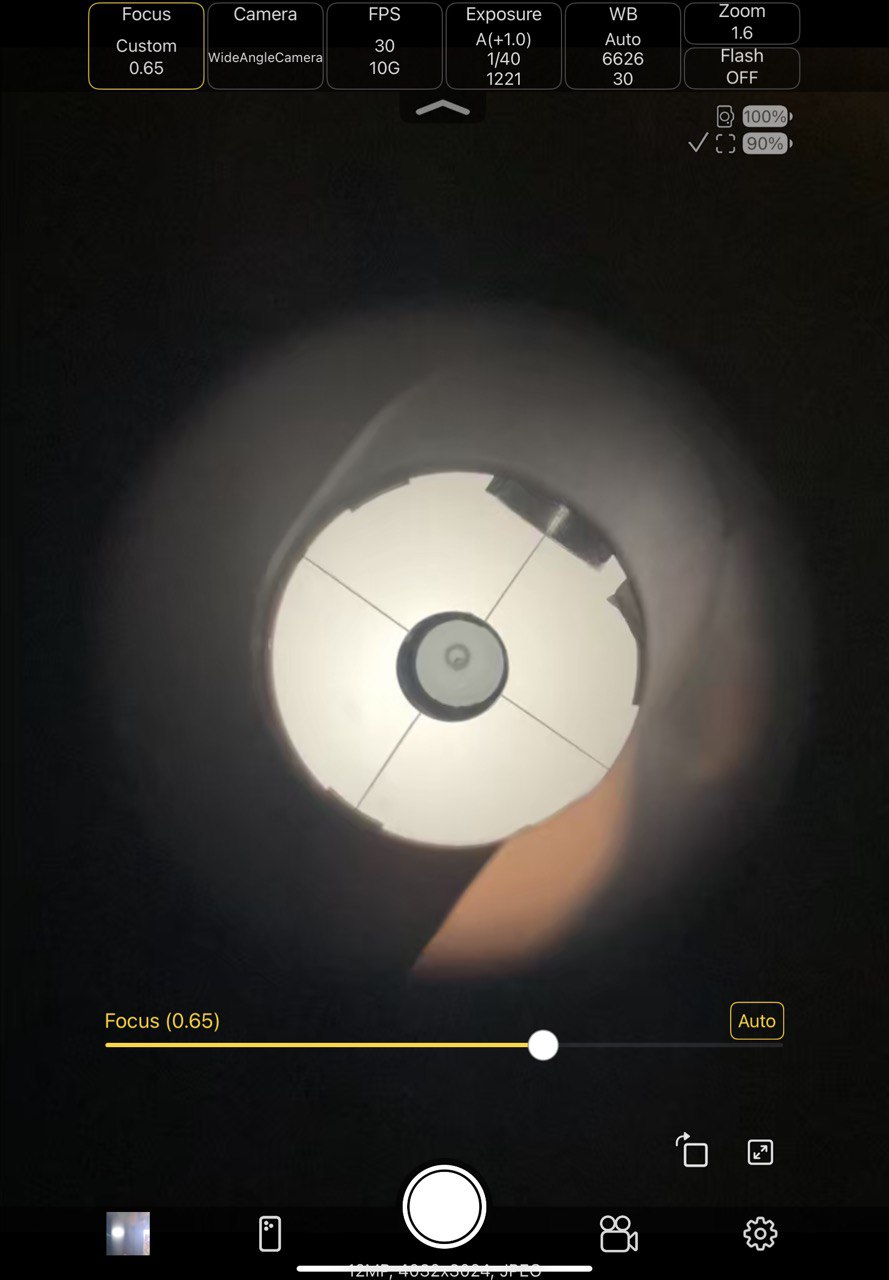
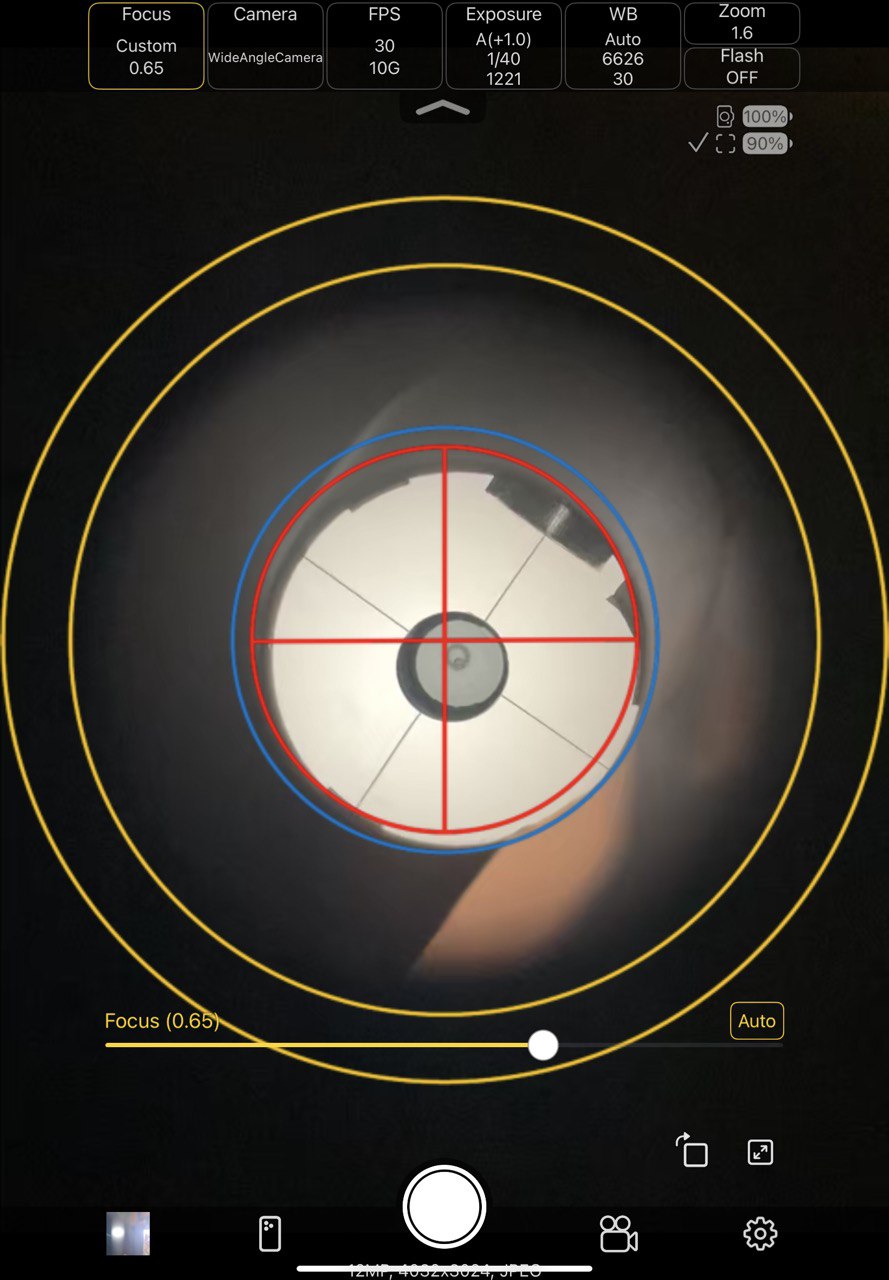
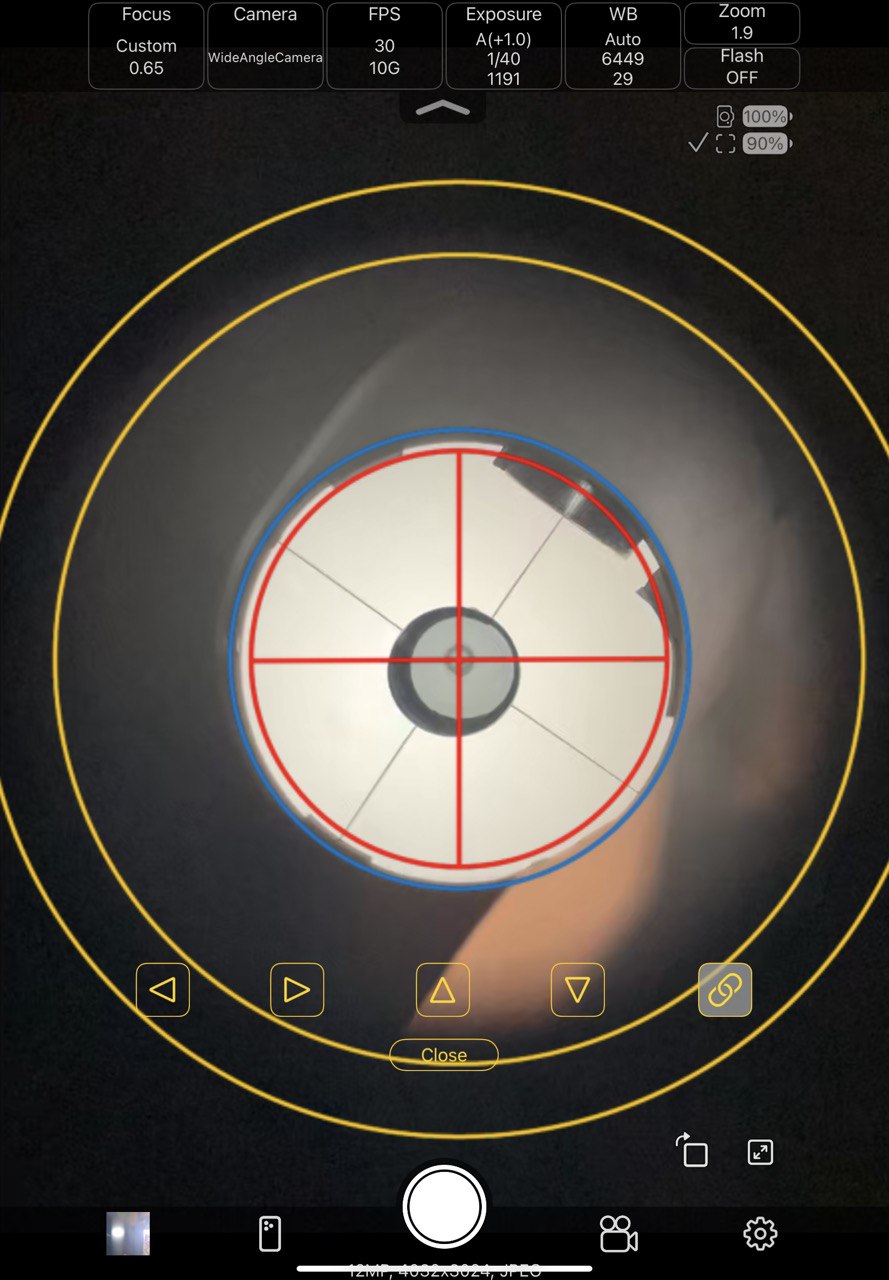
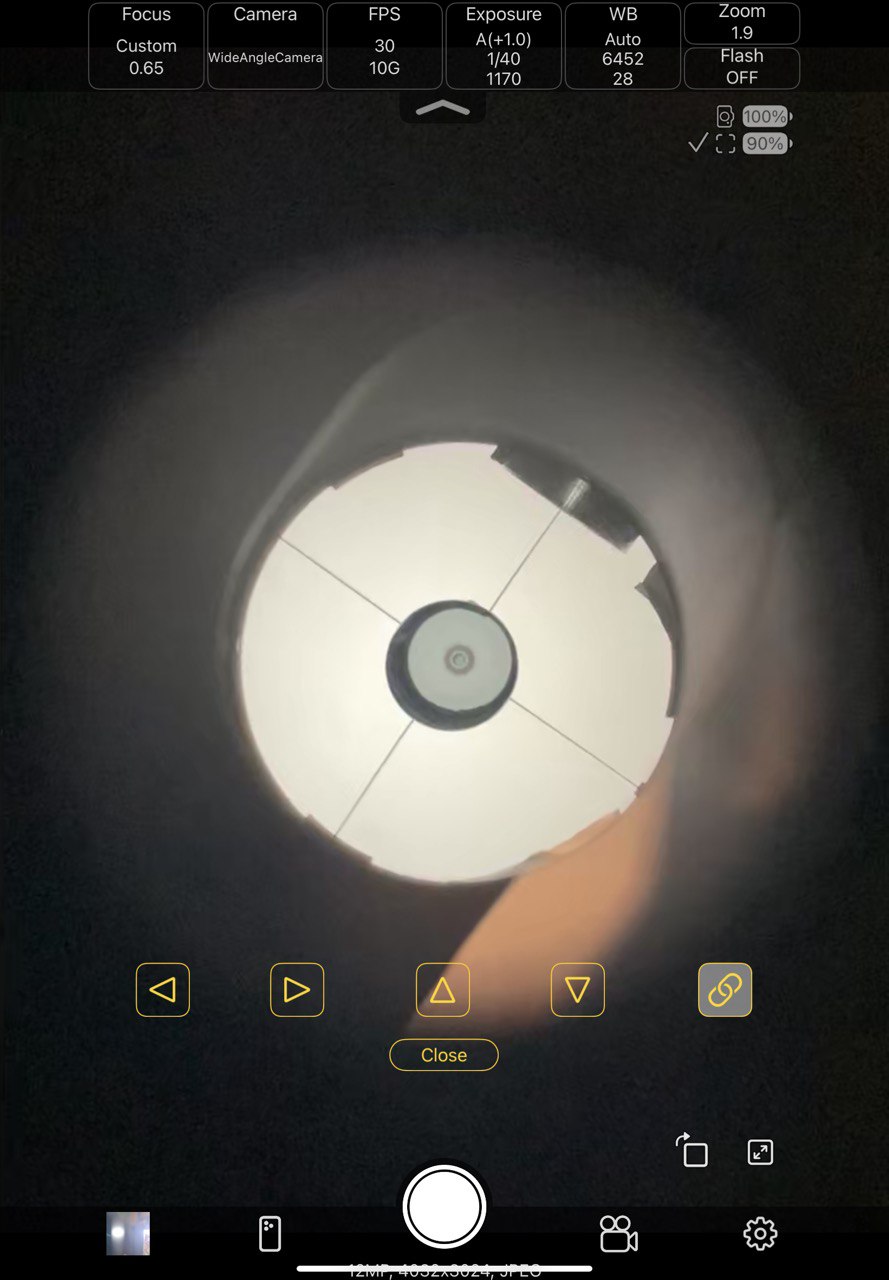
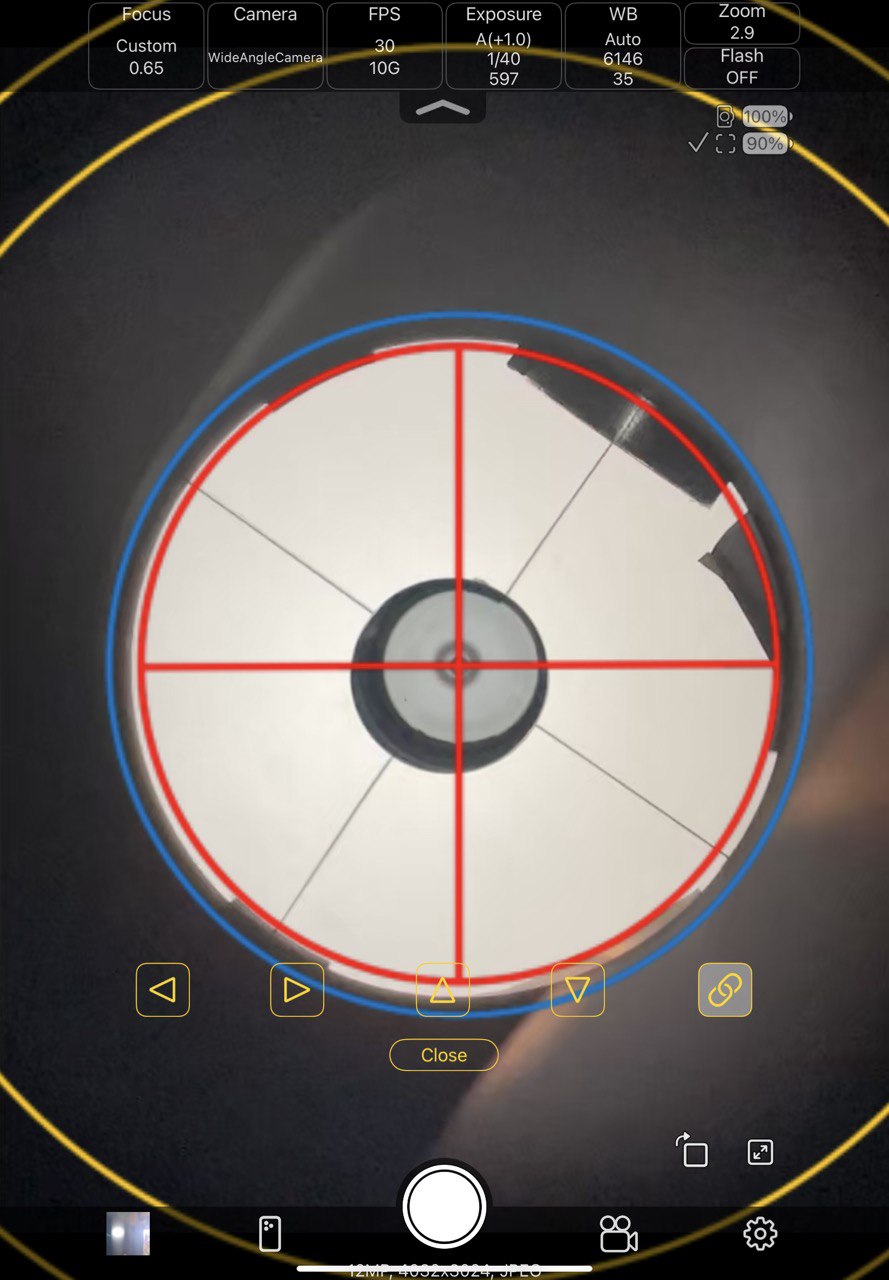
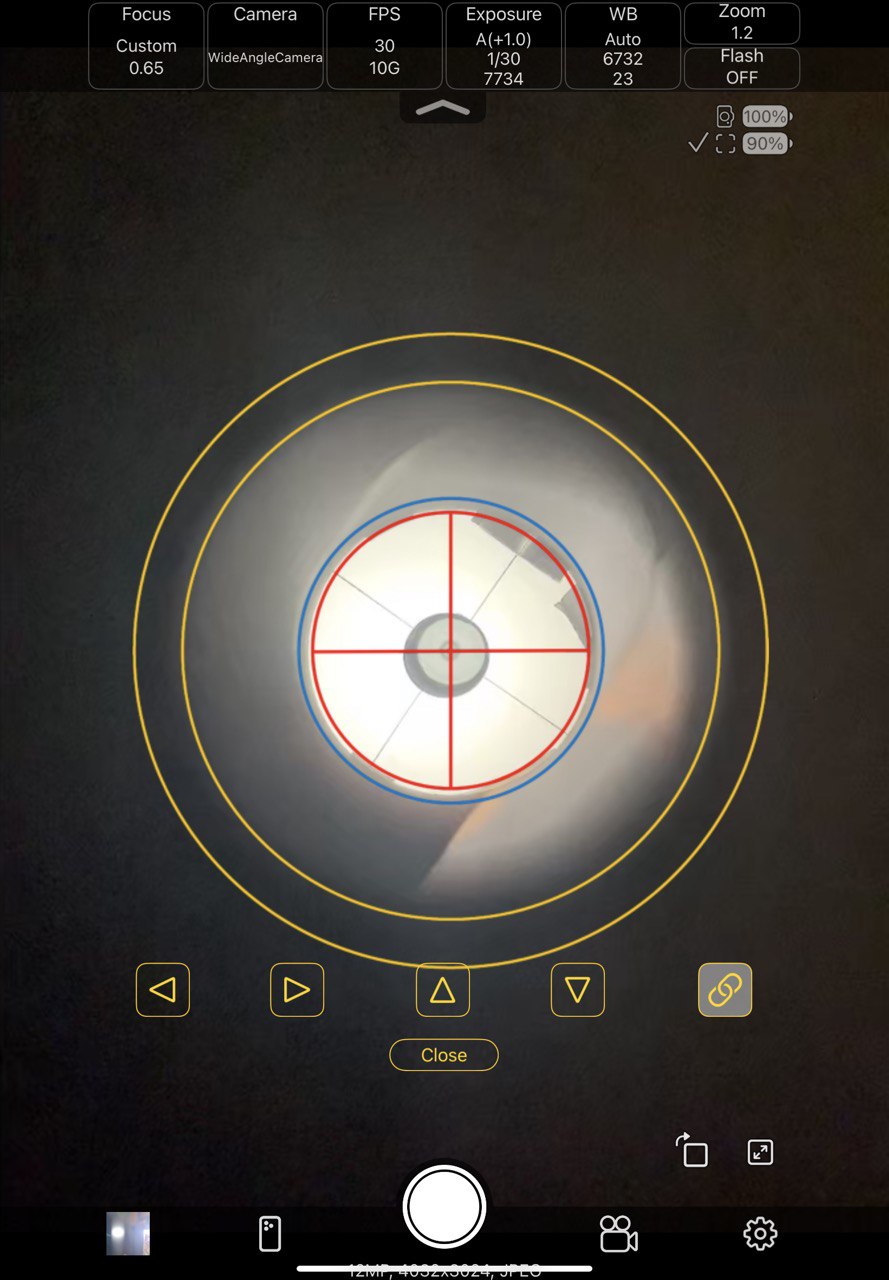
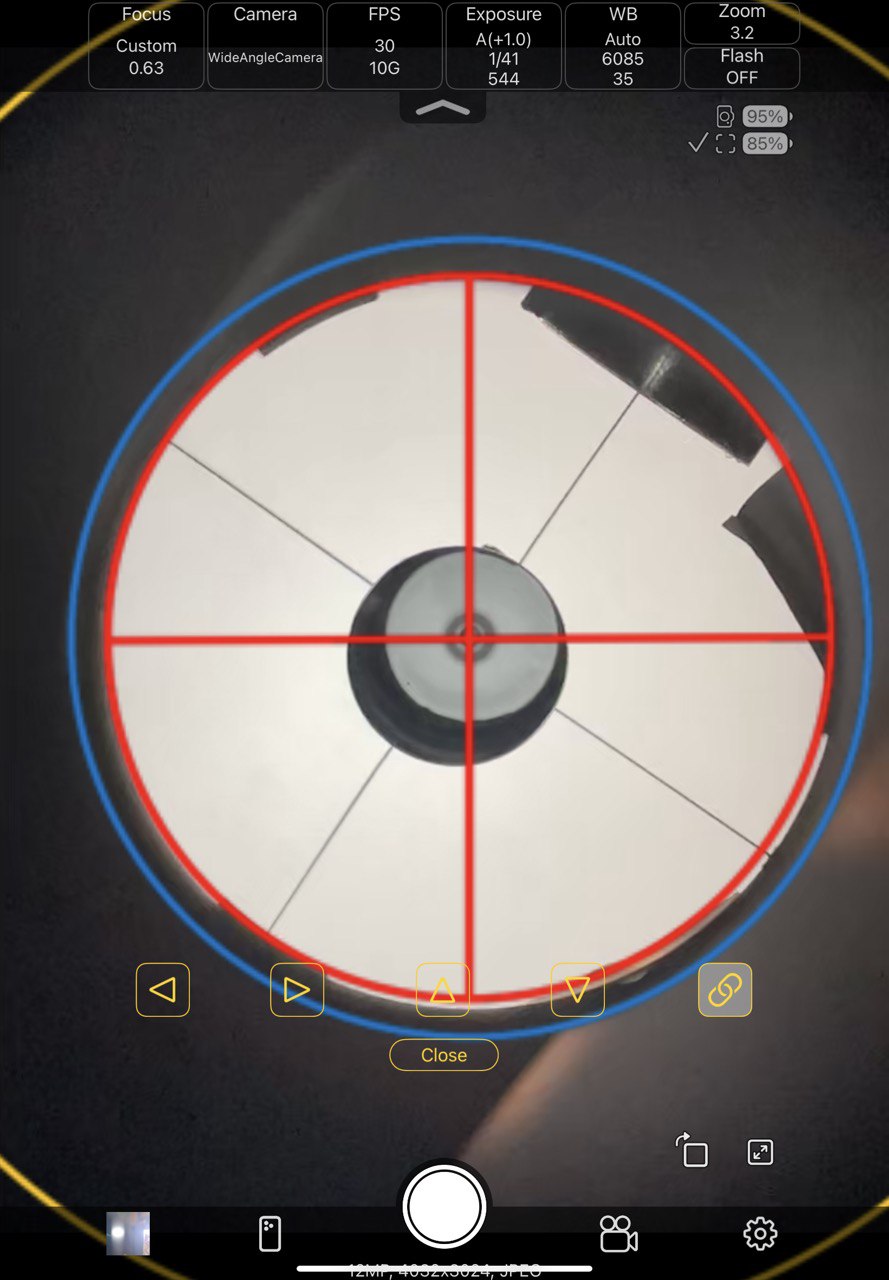
 Joined 7/22/2024 | Posted 12/2/2025 8:16:54 PM CST Well I have finally tracked down an iPhone/iPAD app that lets me superimpose collimation rings and supports focusing/exposure/etc.. of the iPhone camera from the iPad! https://apps.apple.com/us/app/remote-camera-control-via-air/id6470156115
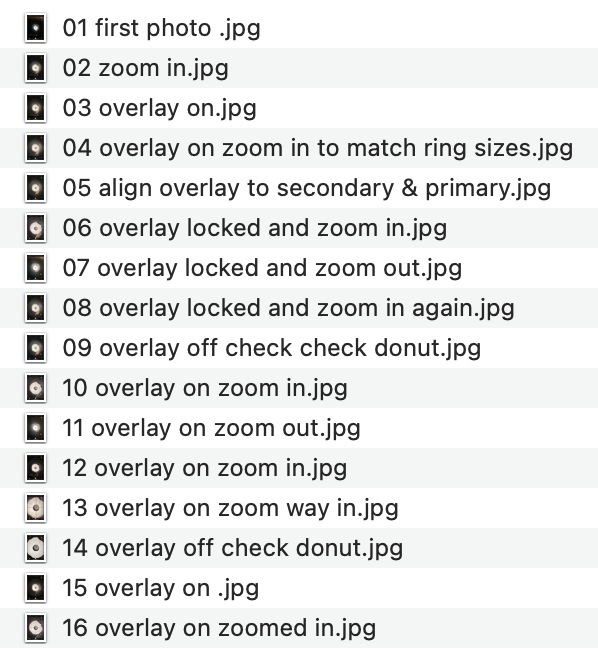
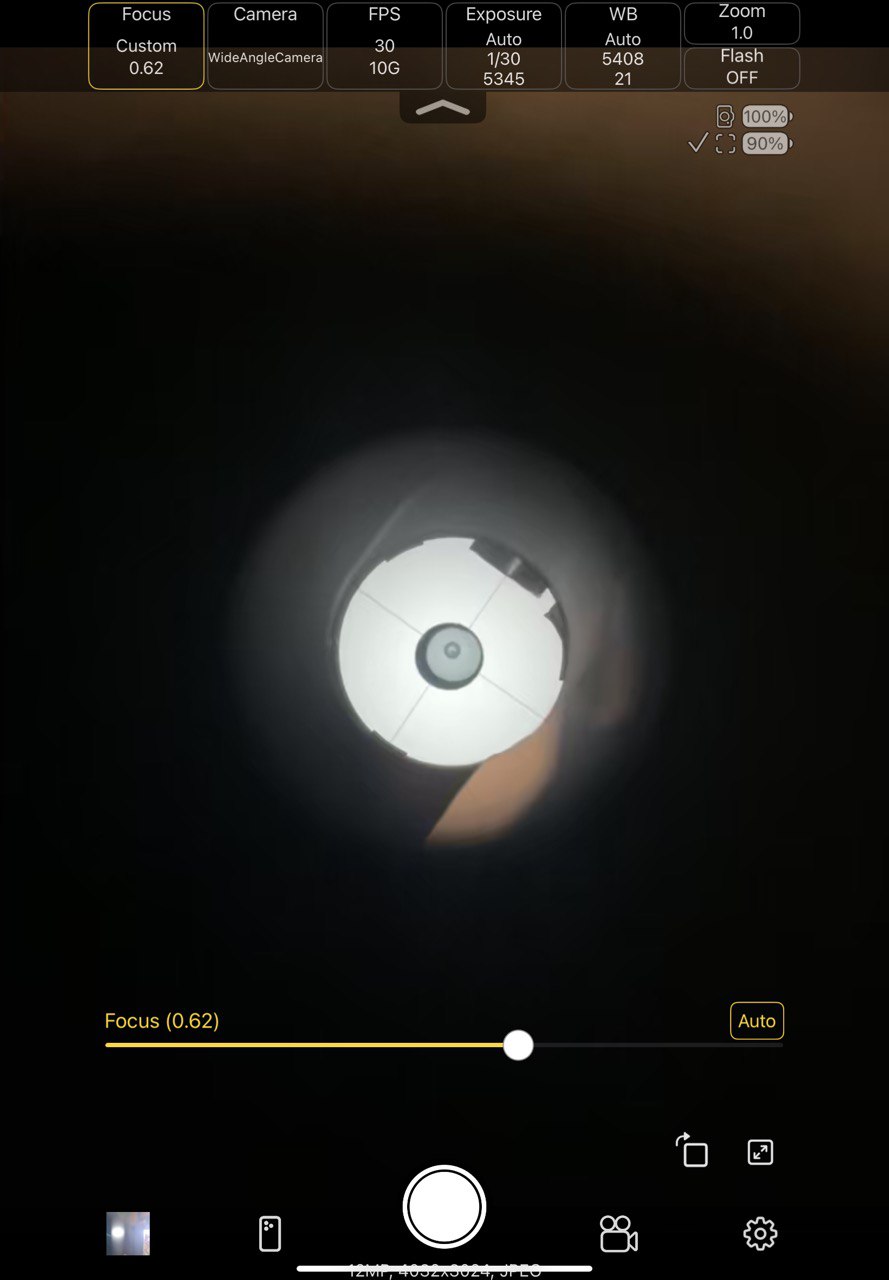
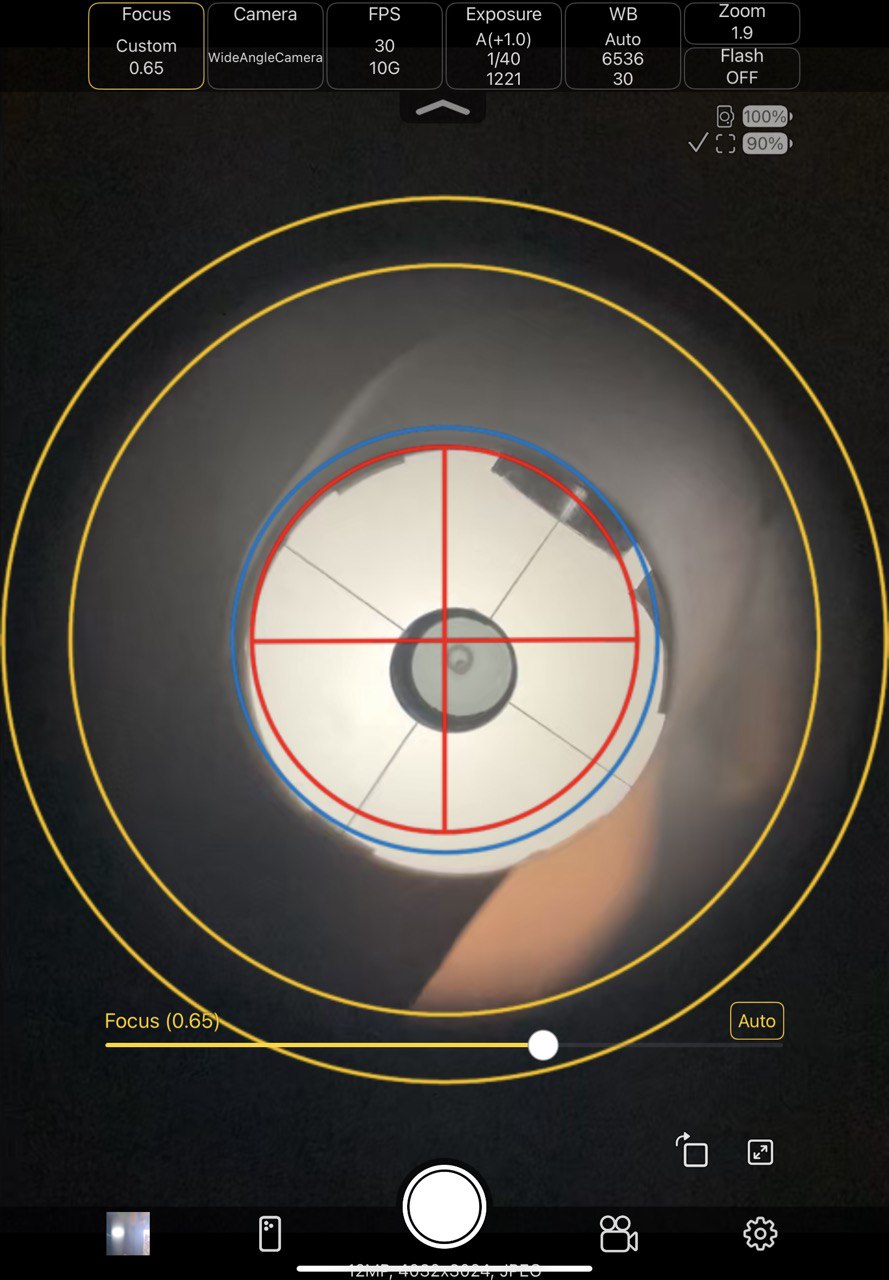
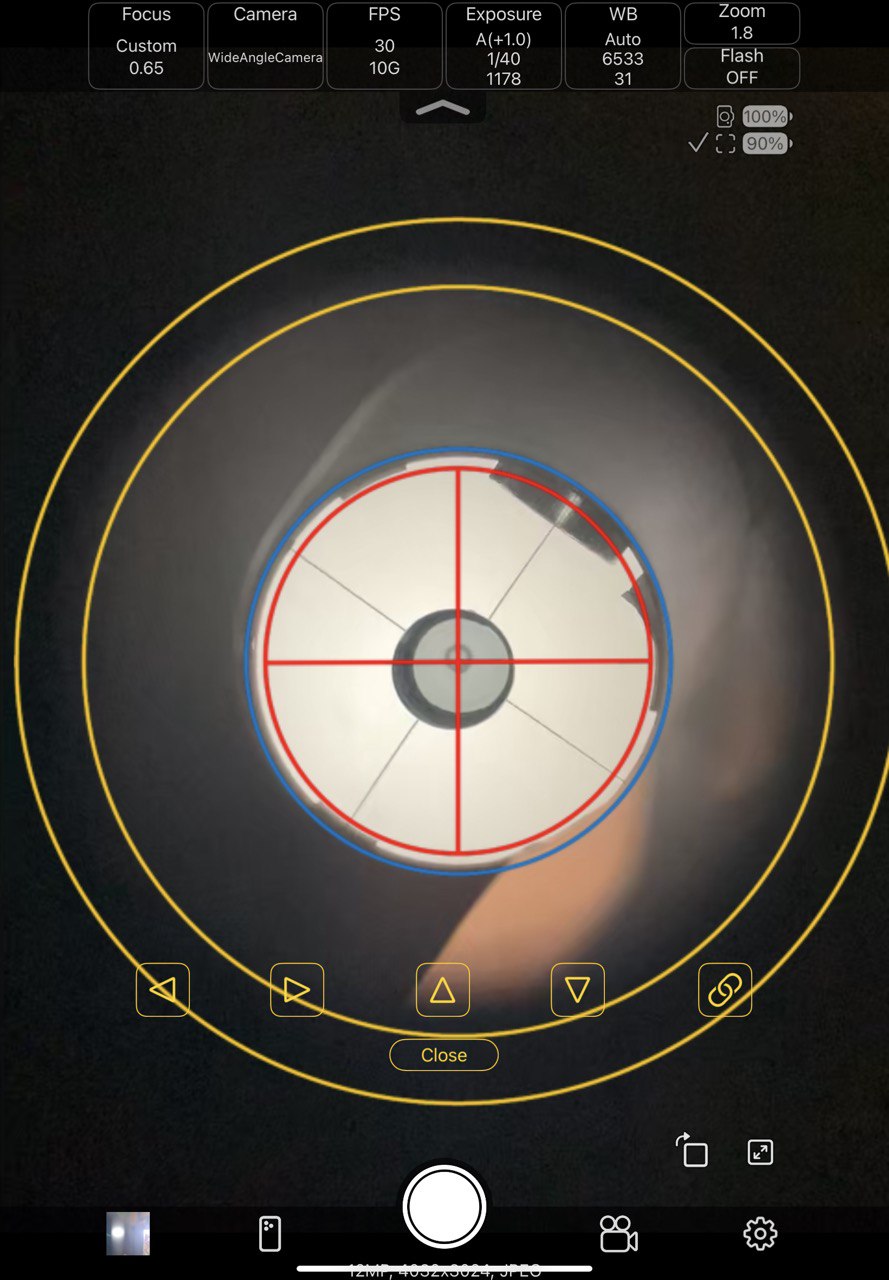
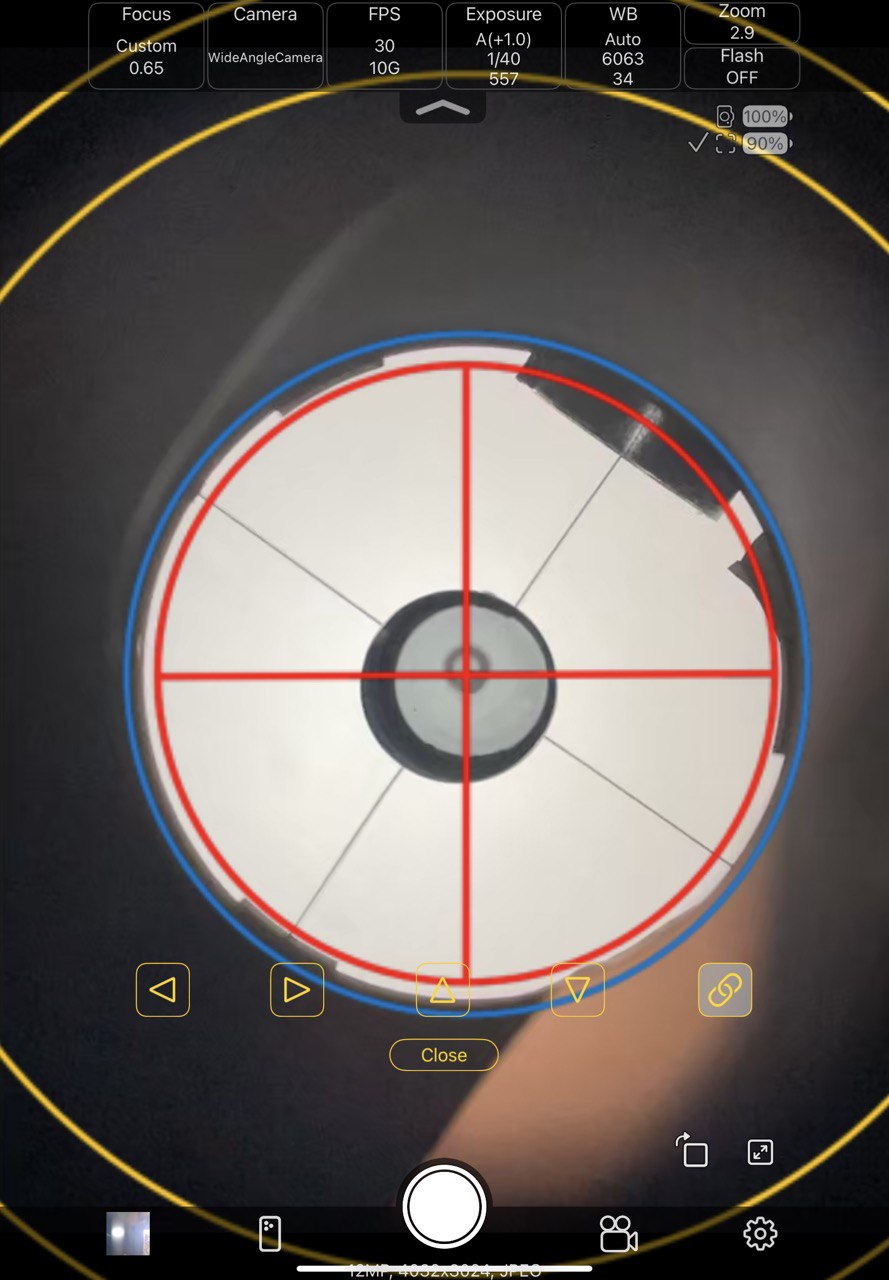
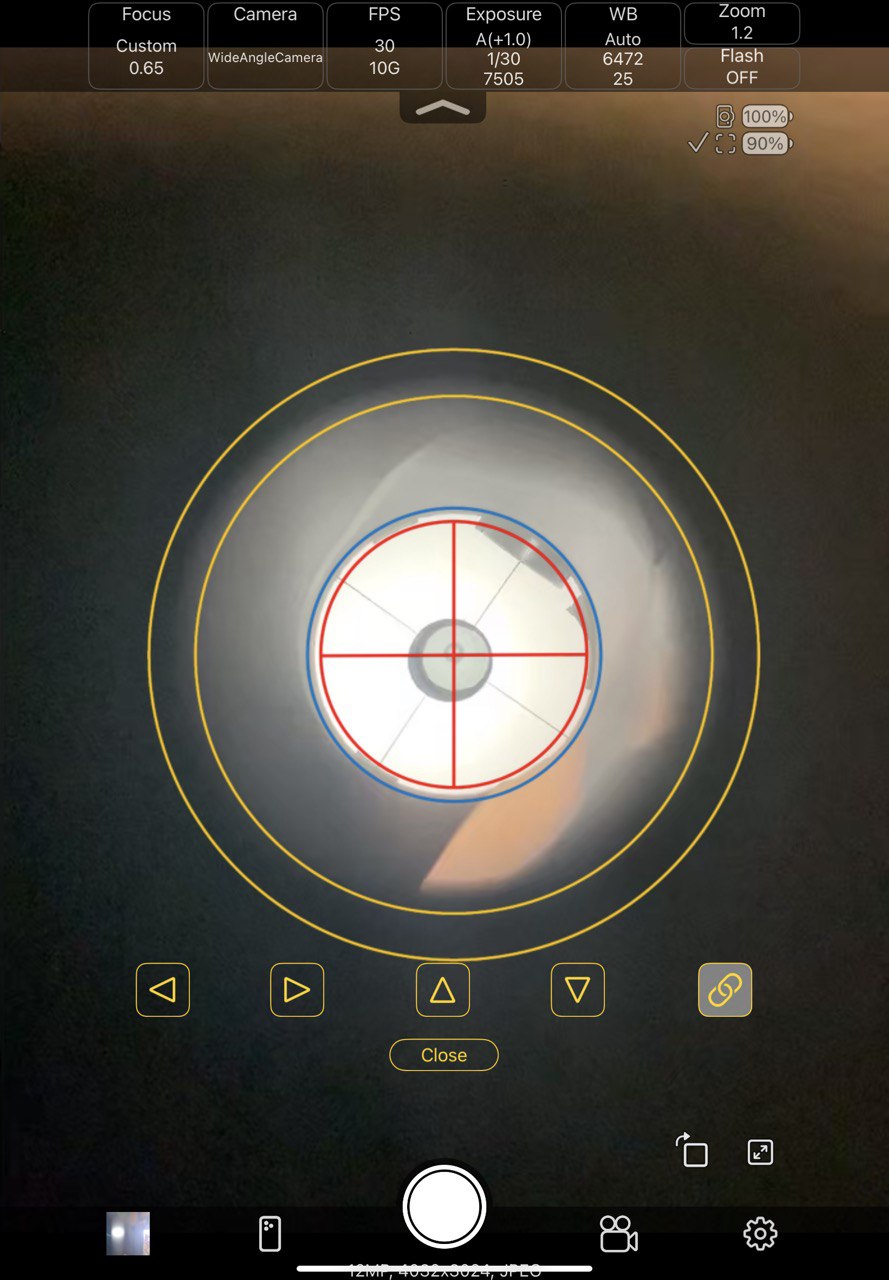
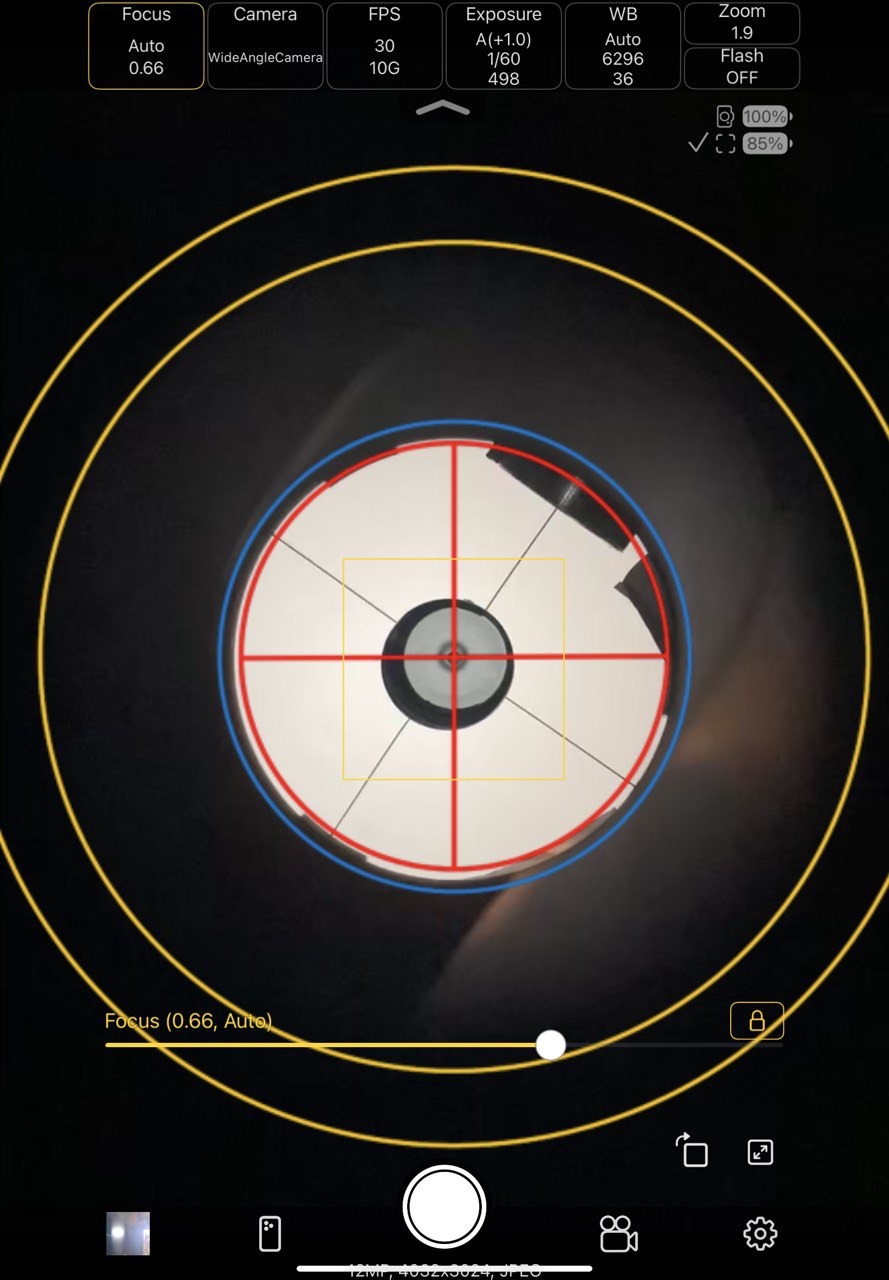
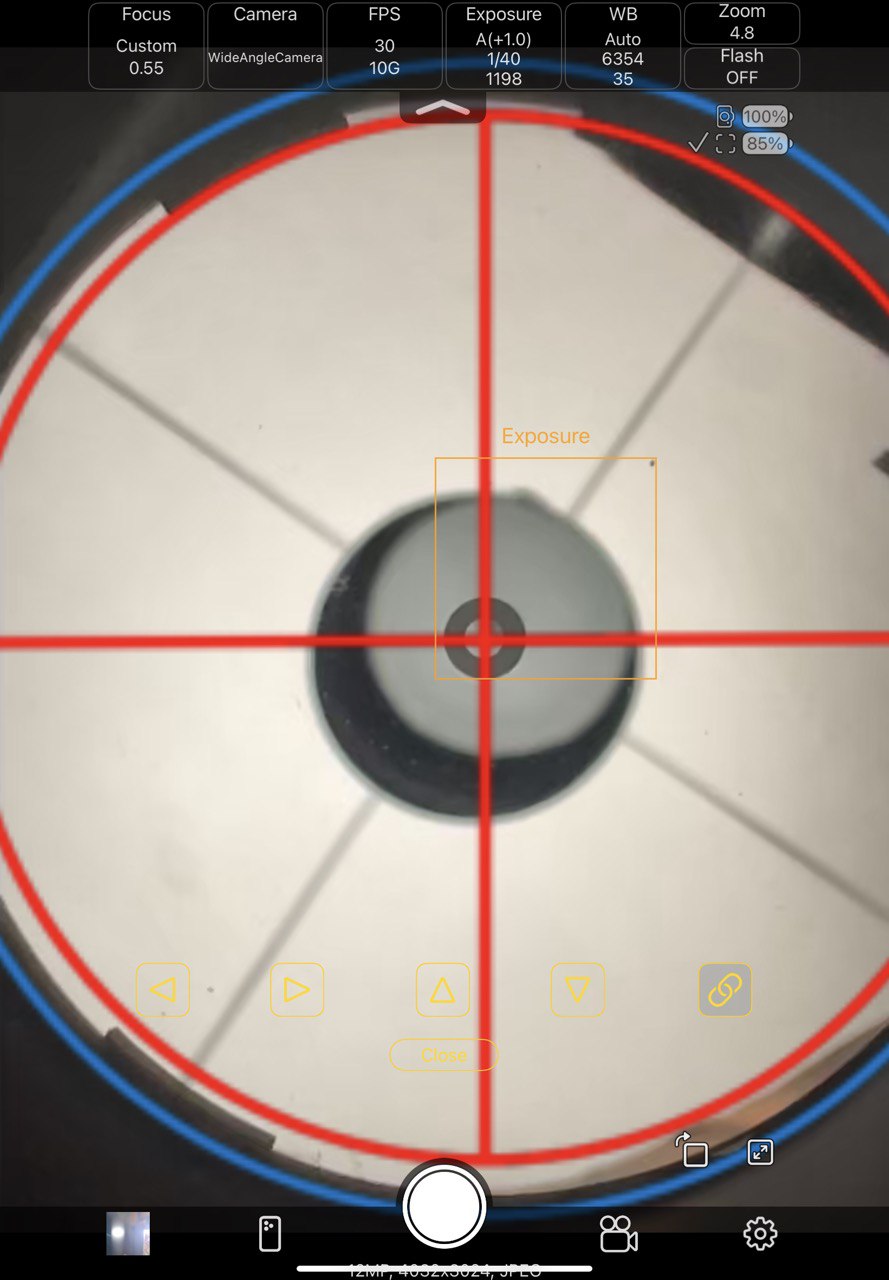
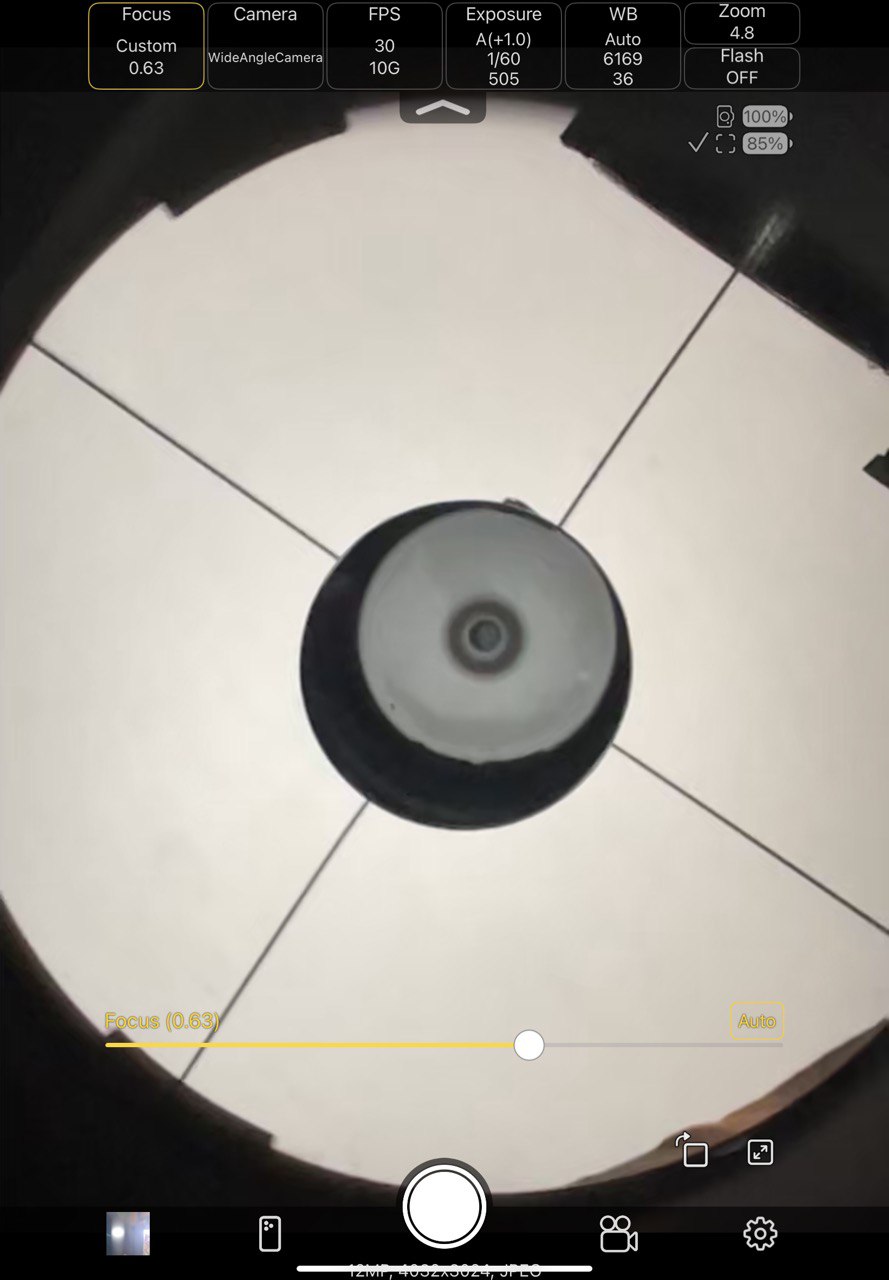
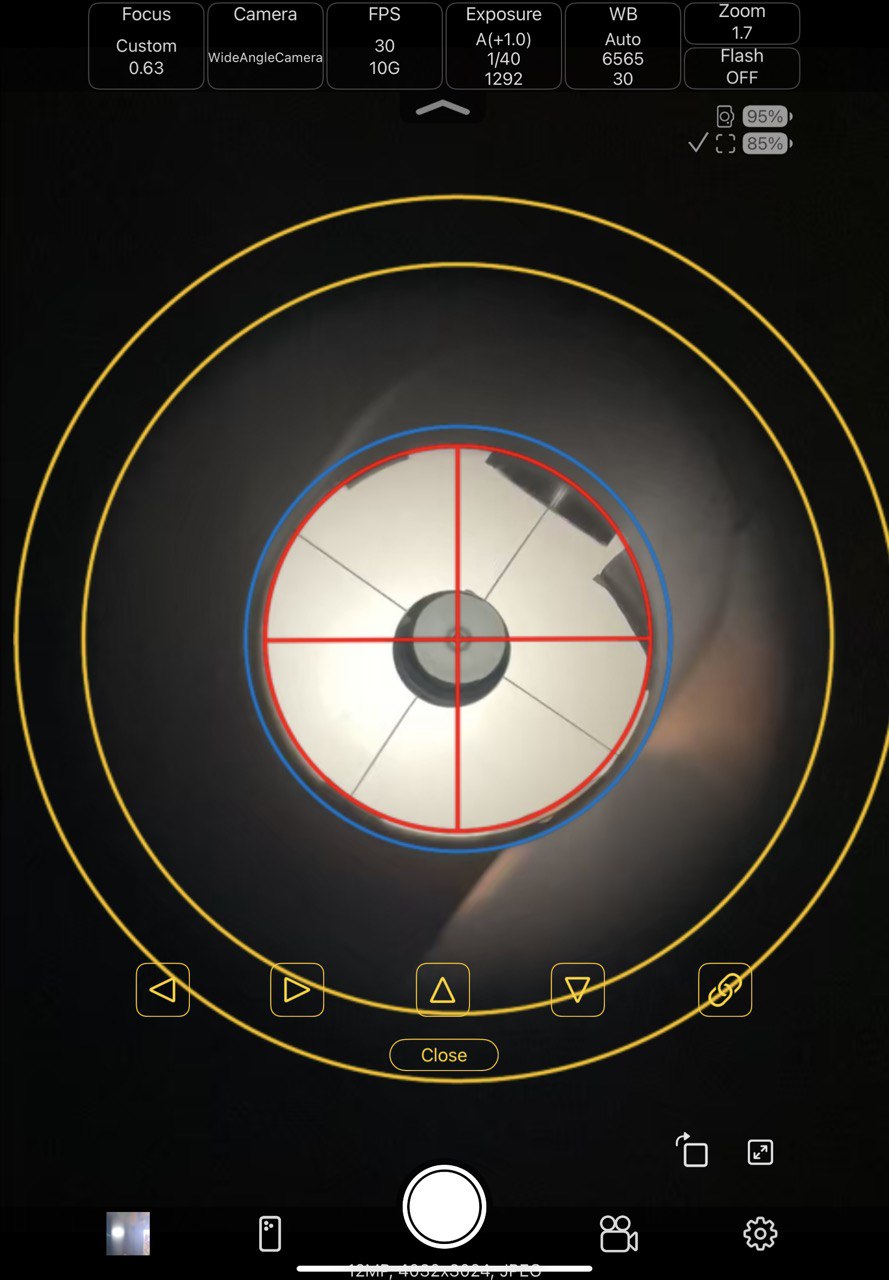
It allow me to import an png file (attached) on the iPad to superimpose the collimation rings on the image. Wow I am impressed with myself 🙂 The app costs $3 for ability to overlay a image on the camera image and digital zoom. The only issue I has was moving the camera around to align the draw tube with the large ring -- but the app supports the ability to adjust focus, so that allowed me to sharpen up the draw tube edge for that then refocus on the mirror center After that it was all gravy! Might need another small tweak (see last image) But does show the pupil of the aline inside the mirror donut, inside the aline reflection, inside the secondary, inside the mirror, aligned perfectly with the 3 mirror clips 🙂 here's a sequence of photos testing a Beta version of the with the ability to move the overlay to align it with the mirrors and even lock the overlay to the image to zoom both together. File names are numbered in order. The ability to zoom way in really helps in examining the collimation. Just needs one more tweak and Beta will become prime on the Apple app store 🙂 I've added the overlay and another one (concentric rings) to my website. Free to download and use here. https://rigelsys.com/video collimation.html
|
Please log in to reply →
Need an account?

Recent Topics
Featured Stories

New Space Capitalism: An argument for capitalism in the new frontier
Monday, June 22, 2026
How to make your large dobsonian portable
Monday, May 11, 2026
Seeing color clearly with color science tools
Thursday, March 26, 2026
_uo0fbvpz.jpg "Galaxies previously unseen discovered with help from physicist")
Galaxies previously unseen discovered with help from physicist
Tuesday, March 24, 2026
ASCOM Platform 7.1 Update 2 Released
Tuesday, February 10, 2026
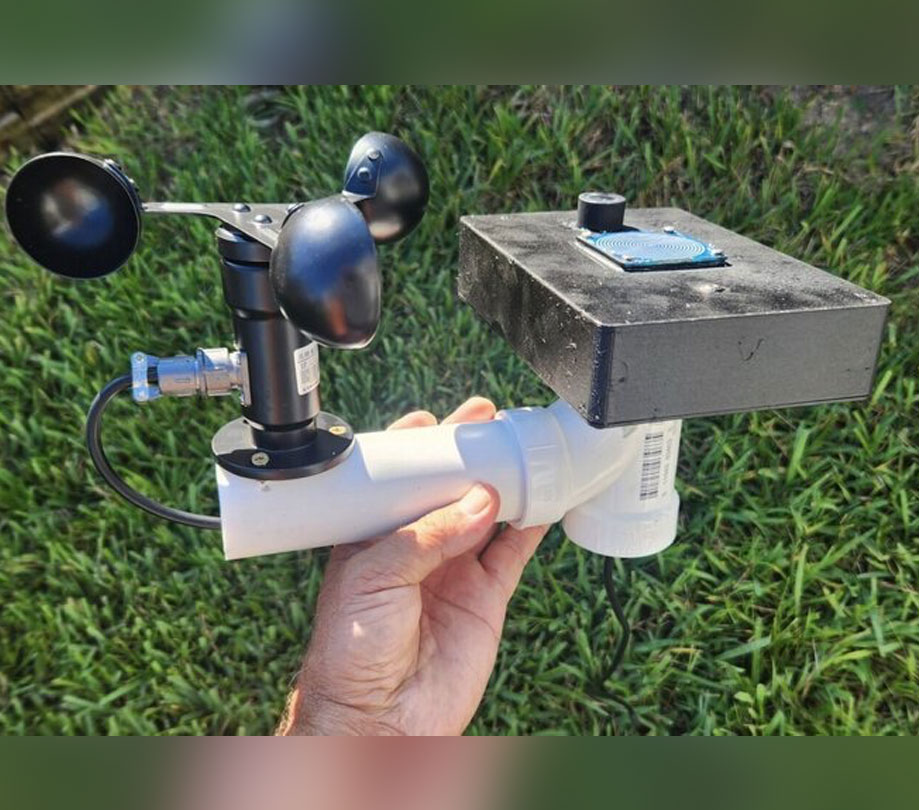
Astro Weather Station by Astro-Smart launches
Thursday, February 5, 2026
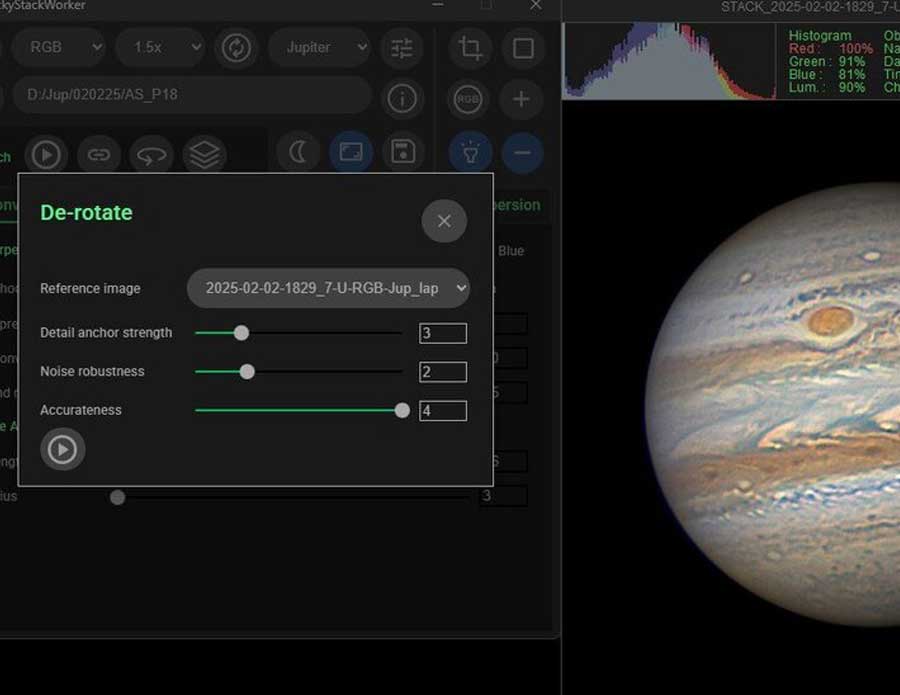
Planet and moon image stacking gets easier with LuckyStackWorker 7
Wednesday, January 14, 2026
Stay Updated
Sign up for our newsletter for the headlines delivered to youSuccessFull SignUp
|